

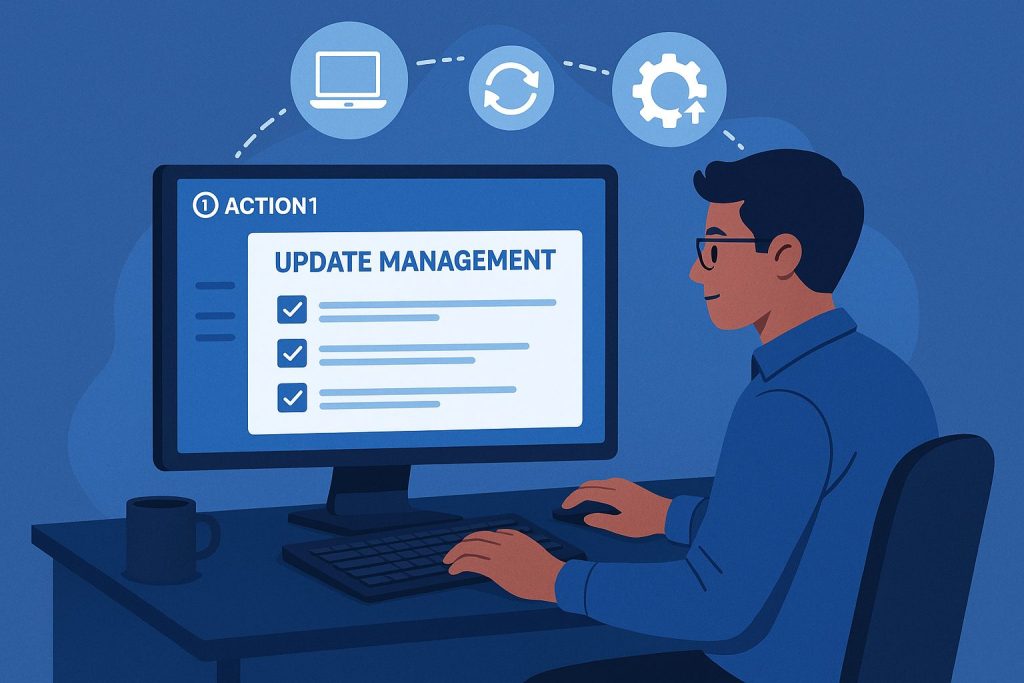
With the end of Windows 10 support and the continuously evolving threat landscape, managing updates for operating systems and software has become one of the critical aspects of cybersecurity. Organizations need solutions that are secure, scalable, and easy to manage—especially in today’s hybrid and remote work environments. In this blog, I will introduce you to Action1 update management as part of modern endpoint management and update processes, so keep reading!
Why Update Management Matters
Update management is the backbone of cybersecurity. Unpatched systems are one of the biggest causes of data breaches, ransomware attacks, and compliance failures. With hundreds of vulnerabilities disclosed monthly—including zero-days and critical flaws—manual patching is no longer viable, nor even possible for most organizations.
Action1 is a cloud-based update management system designed to automate and simplify these update processes for Windows operating systems and other software, ensuring that endpoints remain secure and compliant, regardless of where your end users are located worldwide.
What Makes Action1 Different?
Action1 stands out for several reasons:
- Cloud-Based Architecture: No need for local servers or VPNs. With Action1, you can manage Windows, macOS, and Linux endpoints from anywhere through a secure web console.
- Free Start: Action1 offers a fully-featured service for up to 200 endpoints completely free of charge.
- Automatic Discovery and Deployment: Automatically discover endpoints and deploy update management on Windows (and macOS devices), including remote and hybrid users.
- Third-Party Application Support: Updates a wide range of third-party applications in addition to operating systems.
- Flexible Automation: Schedule updates, set approval workflows, and automate deployments based on severity, vendor, or custom filters.
- Real-Time Reporting: Gain visibility into missing updates, deployment status, and compliance through internal reports.
- Remote Access and Monitoring: As an RMM product, Action1 also provides basic remote access and monitoring features (e.g., disk space) for your IT management.
- Security and Compliance: Action1 is SOC 2 and ISO 27001 certified, supporting regulatory requirements such as GDPR, HIPAA, and PCI DSS.
Getting Started with Action1
How does your IT management harness Action1 update management to enhance your organization’s cybersecurity? Check out these easy steps:
- Agent Installation: Deploy the Action1 agent on your endpoints. This can be done manually or through centralized application distribution, such as Intune or Group Policy (GPO).
- Discover Endpoints: The agent automatically reports the endpoint’s status, missing updates, and hardware/software inventory.
- Review and Approve Updates: Use the Action1 portal to identify missing patches. Update approvals can be done manually or automatically through configured policies.
- Automate Deployment: Create automations to deploy updates on a schedule that suits your business needs. With update rings, you can release updates in stages to minimize potential disruptions.
- Monitor and Report: Track update status, compliance, and reboot requirements with real-time and scheduled reports.
Best Practices for Update Management in a Nutshell
But remember this: While Action1 offers automations, your IT management still needs processes!
- Define an Update Management Process: Establish clear procedures for update approval, deployment, and rollback.
- Prioritize Critical Updates: Focus first on zero-day and severe vulnerabilities.
- Test Before Wide Deployment: Use update rings to test patches on a subset of devices before organization-wide deployment.
- Automate Where Possible: Reduce manual work and human errors by automating update approval and deployment.
- Monitor Compliance: Regularly review reports to ensure all endpoints are up-to-date and compliant.
- Handle Exceptions: Use a process to manage devices that cannot be patched immediately due to compatibility or operational constraints.
Field Experiences
Our client organizations that have implemented Action1 have reported significant improvements in security posture, operational efficiency, and compliance.
In my role as a consultant, I implemented Action1 for a client who needed to have update management in place. Even during the pilot phase, a significant number of vulnerabilities were found on endpoints. There were update deficiencies that no one was even aware of. Examples include outdated drivers for network cards and graphics cards, as well as outdated manufacturer management software. These deficiencies accounted for about 80% of all identified vulnerabilities. Are you aware of the overall picture of your organization’s update management? This client implemented Action1 in an environment of about 1,000 endpoints and got the updates up to date with relatively little effort!
Summary
Endpoint update management doesn’t have to be a headache. With Action1, IT teams can automate, scale update management, and protect their organization from today’s critical cyber threats. Whether you’re planning a transition from Windows 10, managing a hybrid workforce, or replacing outdated tools like WSUS, Action1 offers a robust, future-proof solution now and in the future. In addition to Windows, support is available for macOS devices and Linux.
If you are considering or implementing centralized update management, contact Above IT’s experts. Let’s see together how to take control of your organization’s update management and keep it up to date without unnecessary headaches.
More information on the topic:
When your organization wants to build comprehensive IT security that considers different aspects of the IT environment without compromising usability, ask us for ideas on how we would solve your organization’s specific needs!


